Features
Friends
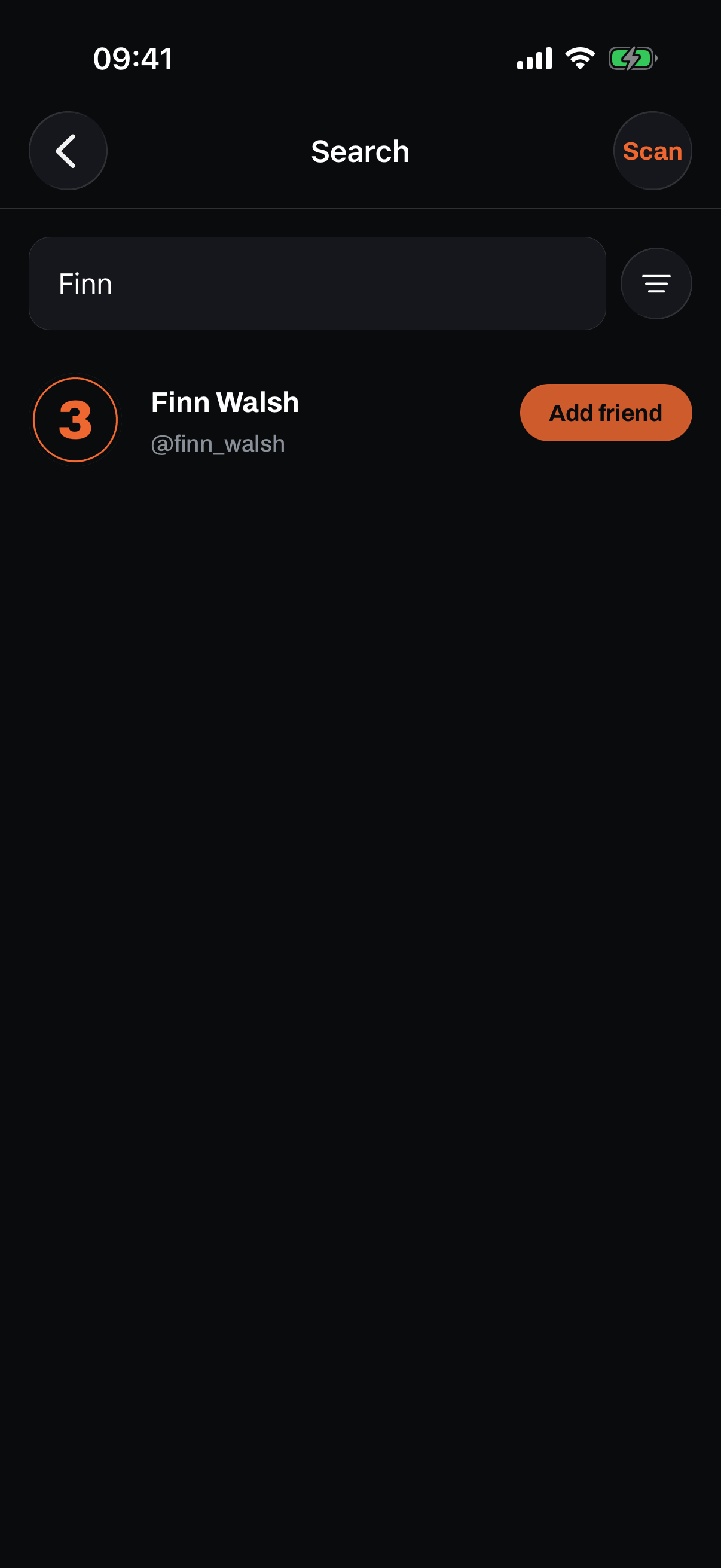
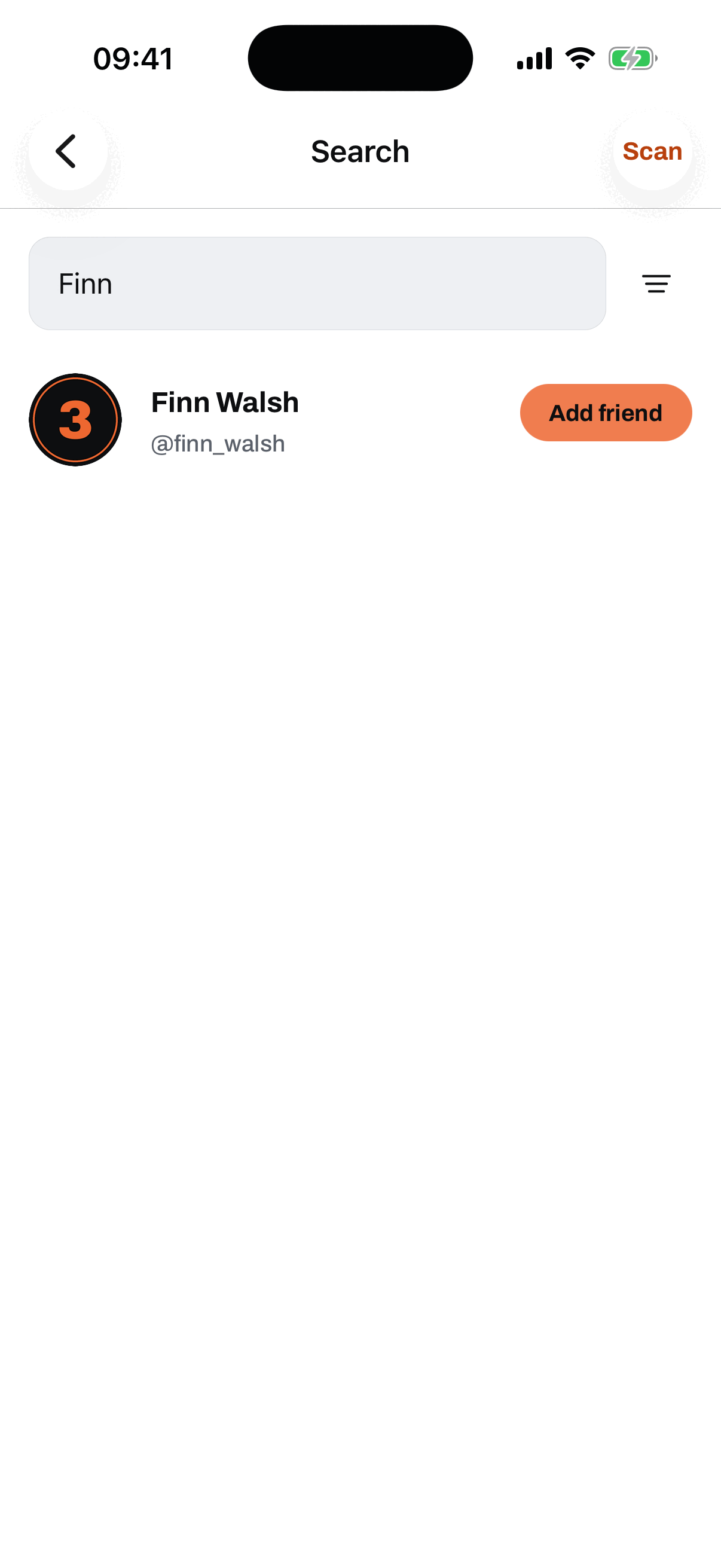
Find hoopers
Search by name or by handle and their profile comes straight up. The same search also finds courts and teams, so one bar covers everything: the guard you ran with last week, the cage across town, the squad that beat you. If you captain a team you can invite an unteamed hooper straight from their search result, which is covered on the teams page.
Requests, both ways
Tap Add on a profile and the request goes over; they accept or decline. If you add someone who has already added you, you connect straight away, no waiting on a second tap. Incoming requests land in your inbox and the bell carries the count, so a new request never sits unseen. Sent one by mistake? Tap again to cancel it.
Friends out now
The home screen carries a strip of your friends who are checked in at a court right this minute, each with the court they are at. Tap a friend and you are on that court's page, deciding whether to slide through. And when a friend checks in Here now at a court you are not at, the app tells you, so the "you should have come" text arrives before the run ends, not after.
Connect with a QR code
Met someone at the court? Show your code. Every hooper has a QR that any phone camera can scan, no app needed on their side, and it opens your public profile at your gotnext.uk link. Inside the app, the Scan button reads a code and opens that hooper's profile so you can add them on the spot. Camera frames stay on the device and are never stored.
Try it yourself.
GotNext is live on the App Store now, free. On Android, testing is open and invites go out in batches.
On Android? Become a founding tester
iPhone hoopers can download GotNext today. Android testers get Play invites in batches.