The demo
From your sofa to the run, step by step.
This is the whole app, in order. See which courts are alive, check in, square up with a crew, hold the court, and put the next run on.
-
Step 1
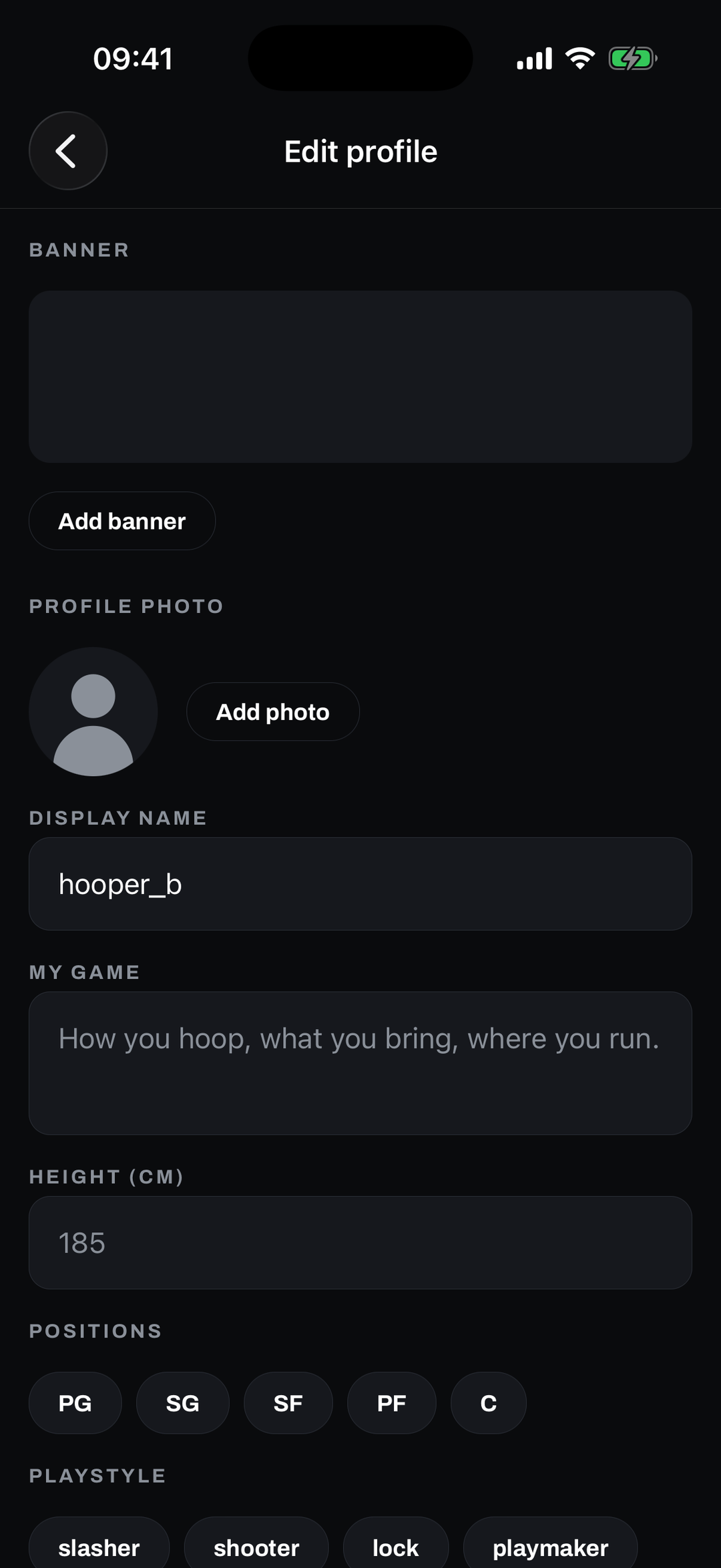
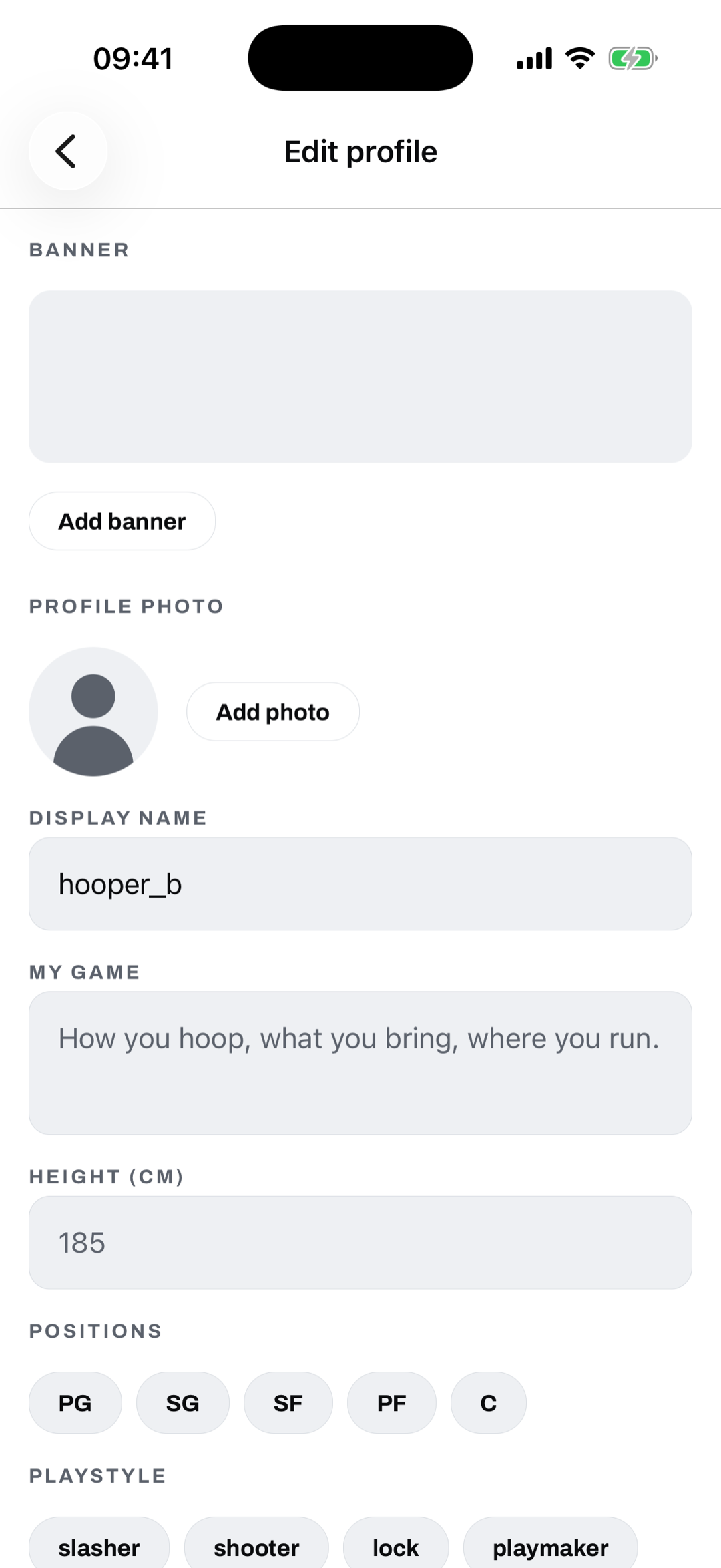
Set up your player card
Tell GotNext your game: positions, playstyle, height. A quick set up so the map and the runs are tuned to where you actually hoop.
-
Step 2
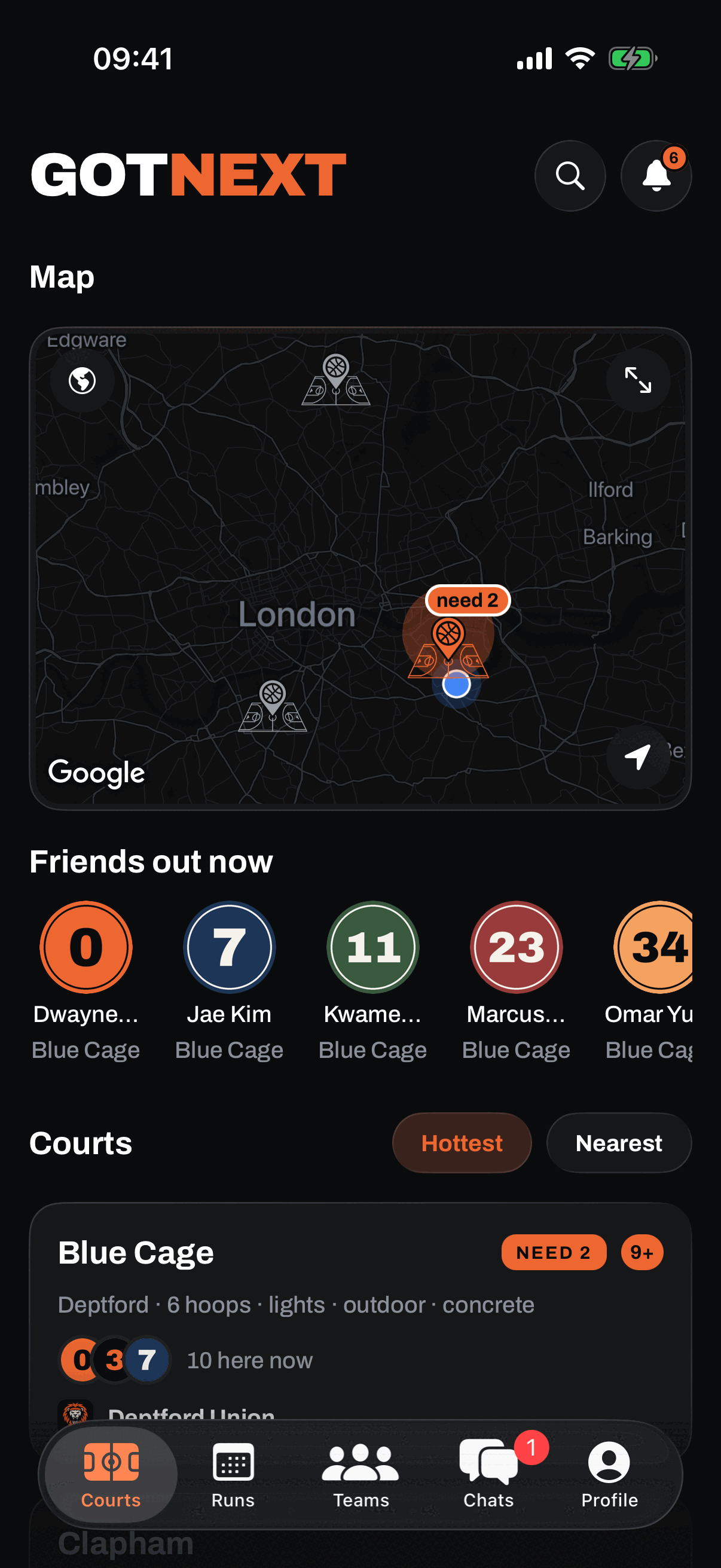
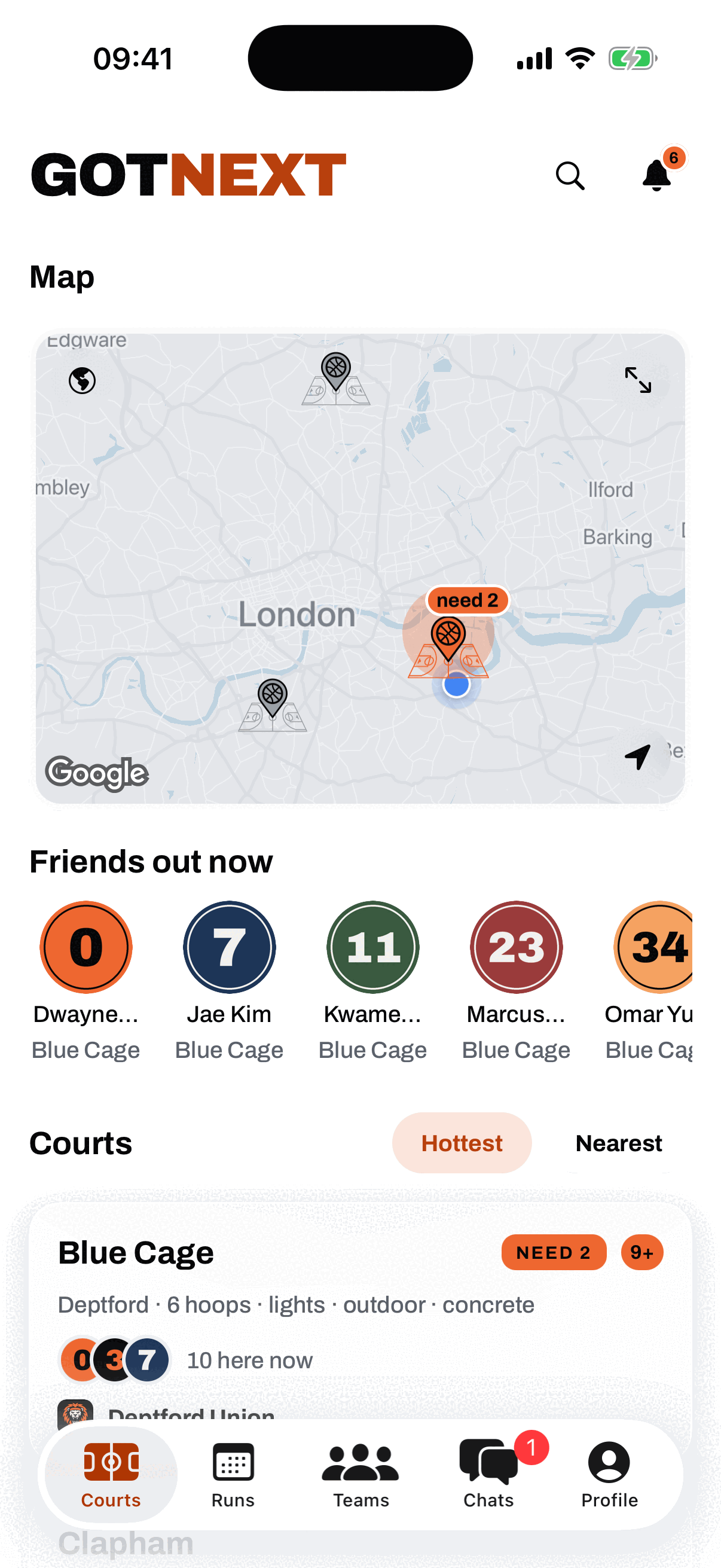
Open the map, see what is live
The map glows where the hoopers are, brighter and bigger means busier, and the courts list ranks them Hottest first. One look and you know if Blue Cage is popping or dead before you leave the house.
-
Step 3
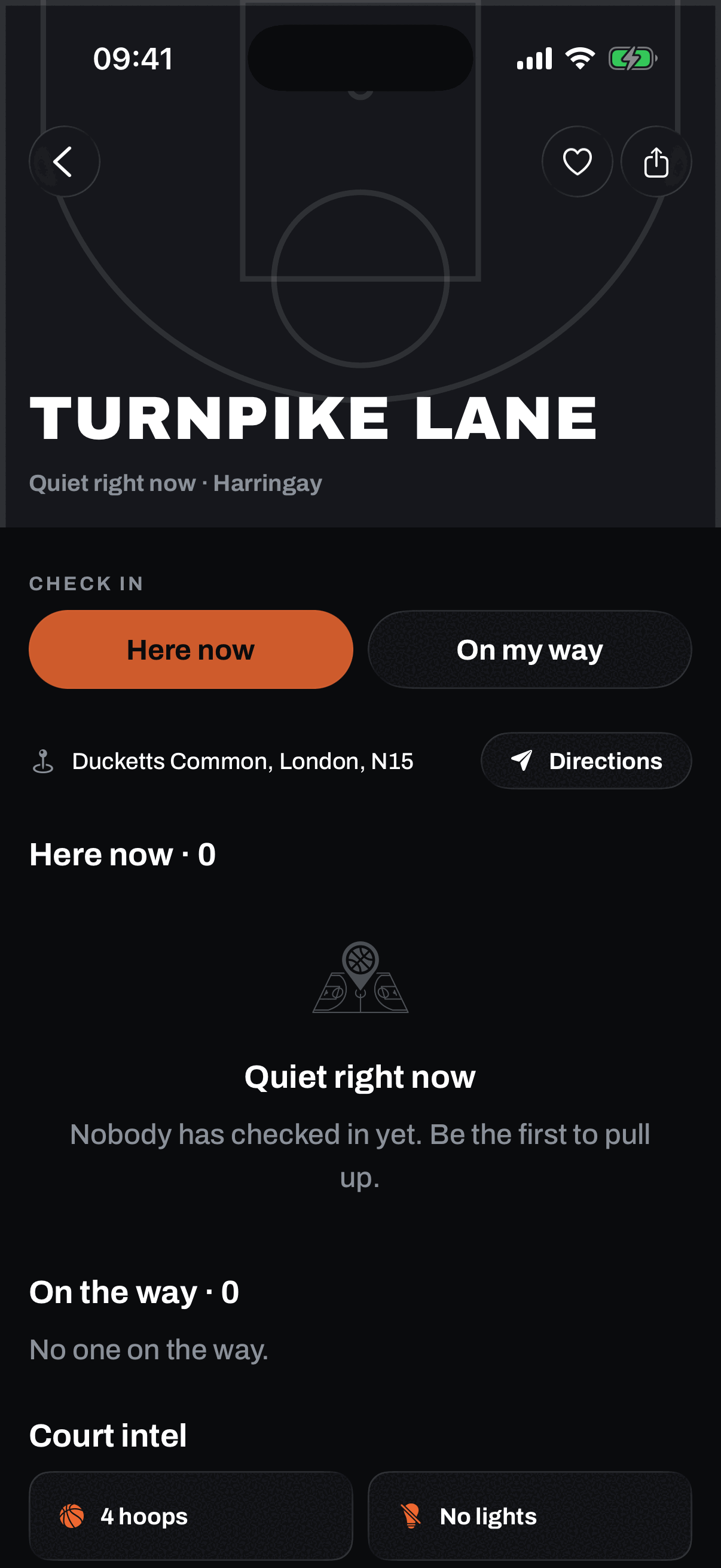
Tap a court, see the run
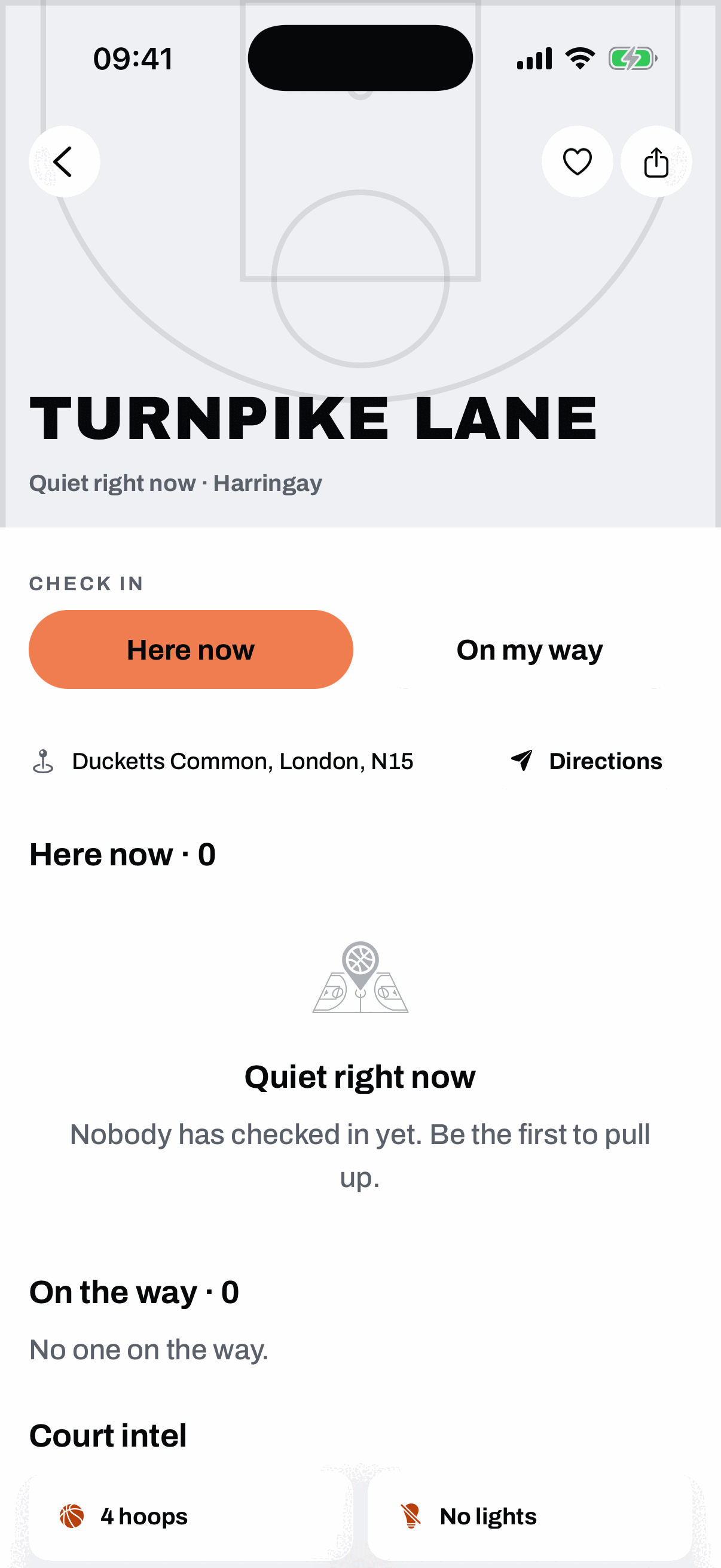
Every court shows the run forming right now, who is here, and the two tap check in. Need 1 for a full court? It is right there, so people know to slide through.
-
Step 4
Check in, see who is coming
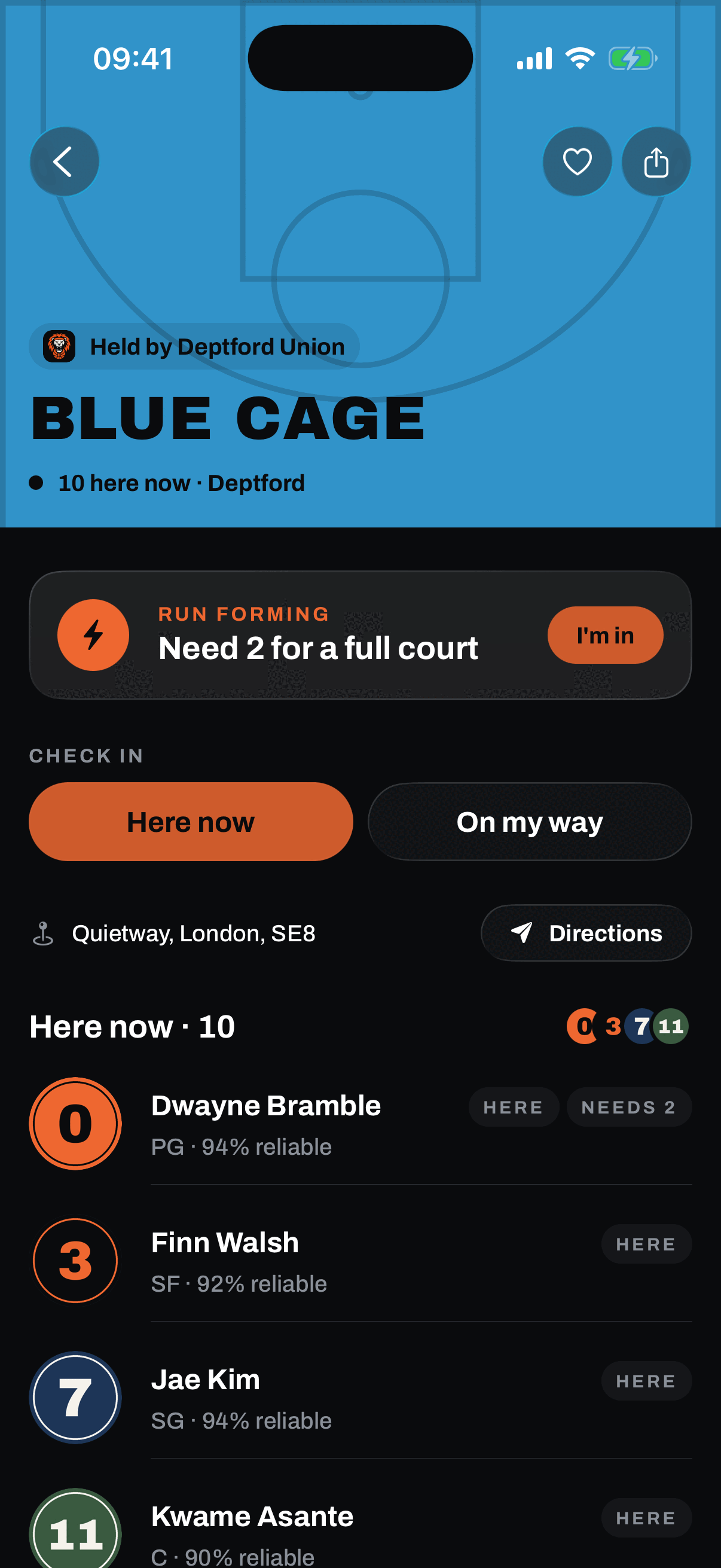
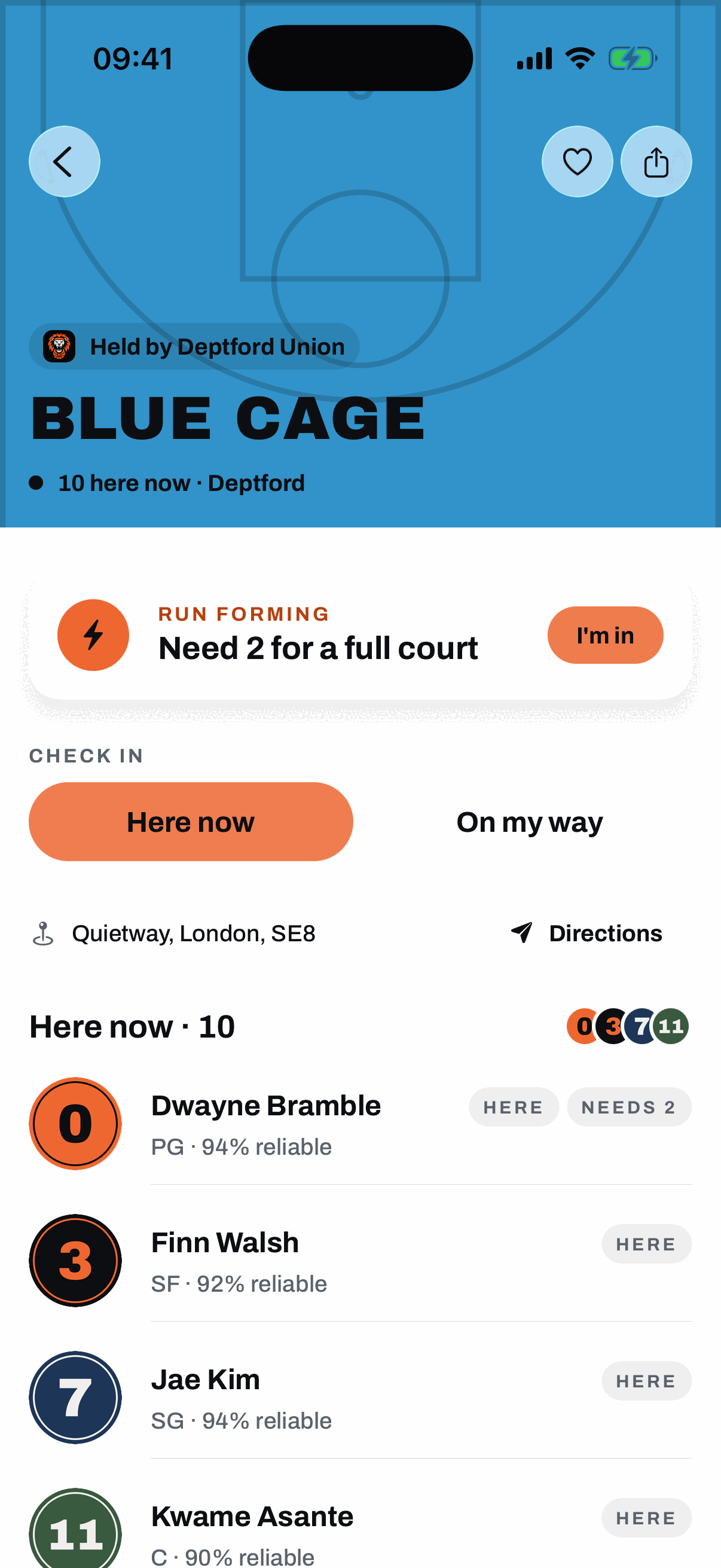
Tap Here now or On my way. Here now uses your location to confirm you are at the court. On my way lets you set when you are turning up, so it shows in who is coming. Held courts fly their crew colour on top.
-
Step 5
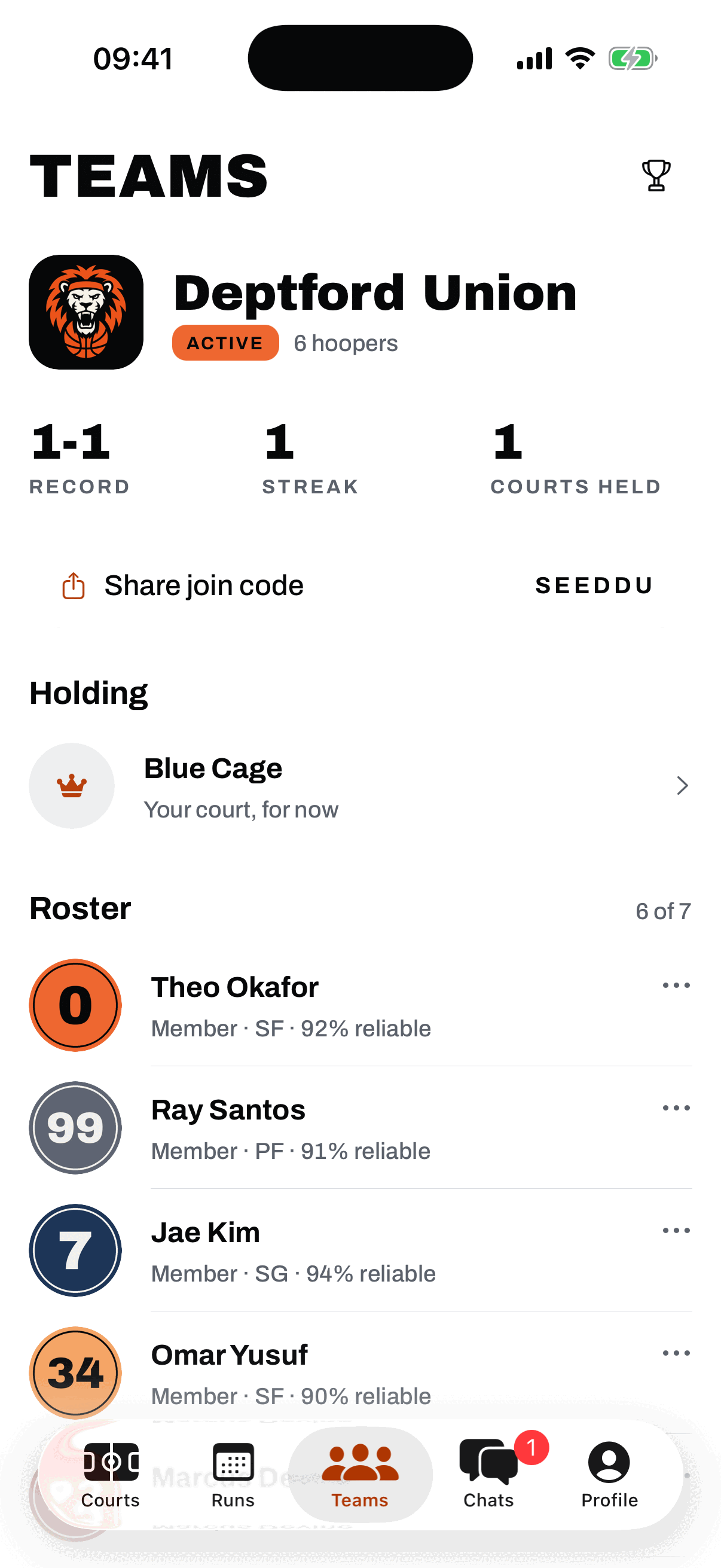
Form a crew, climb the ladder
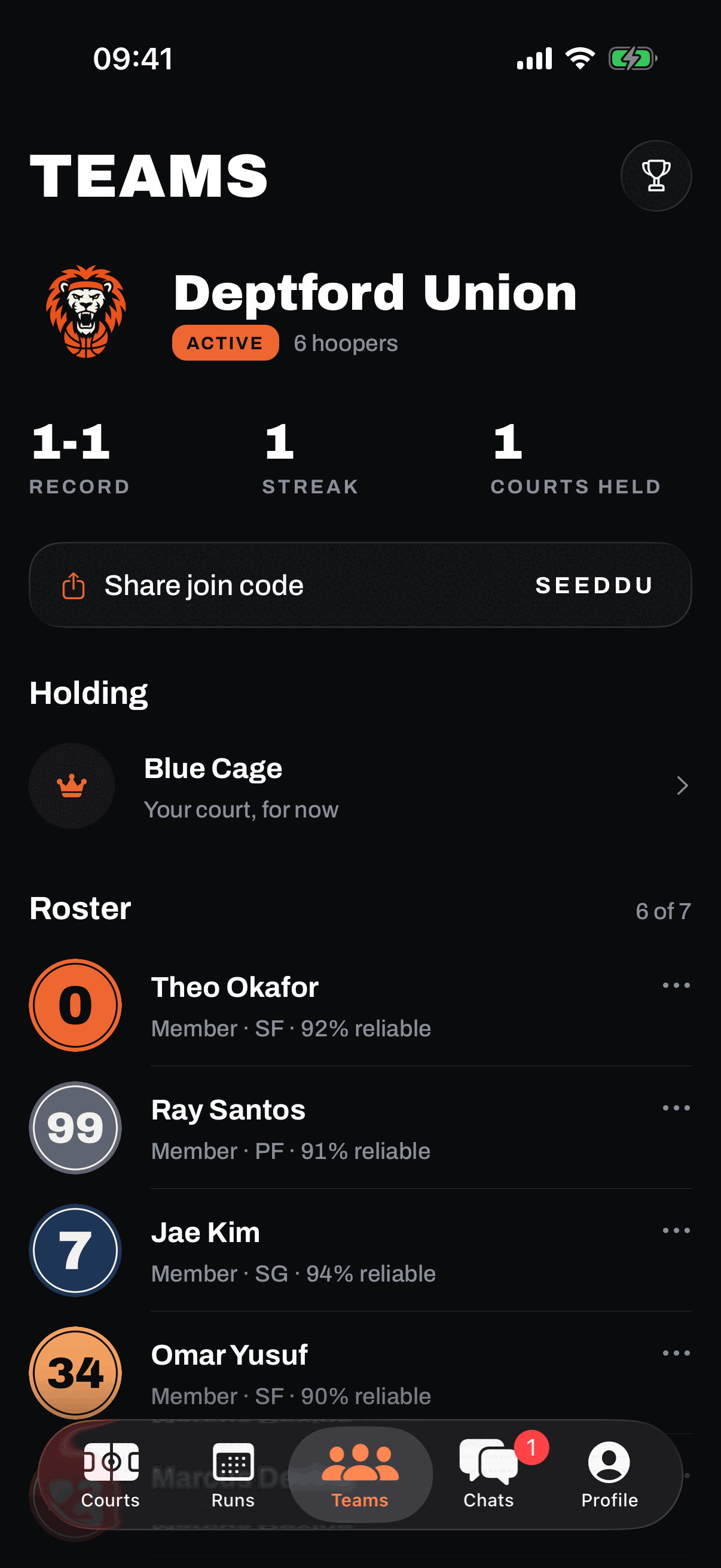
Roll with a team. Pick your element and crest, and your colour flies on every court you hold. Win runs off real check-ins, hold the court, and climb the ladder by wins, win rate, streak, and courts held.
-
Step 6
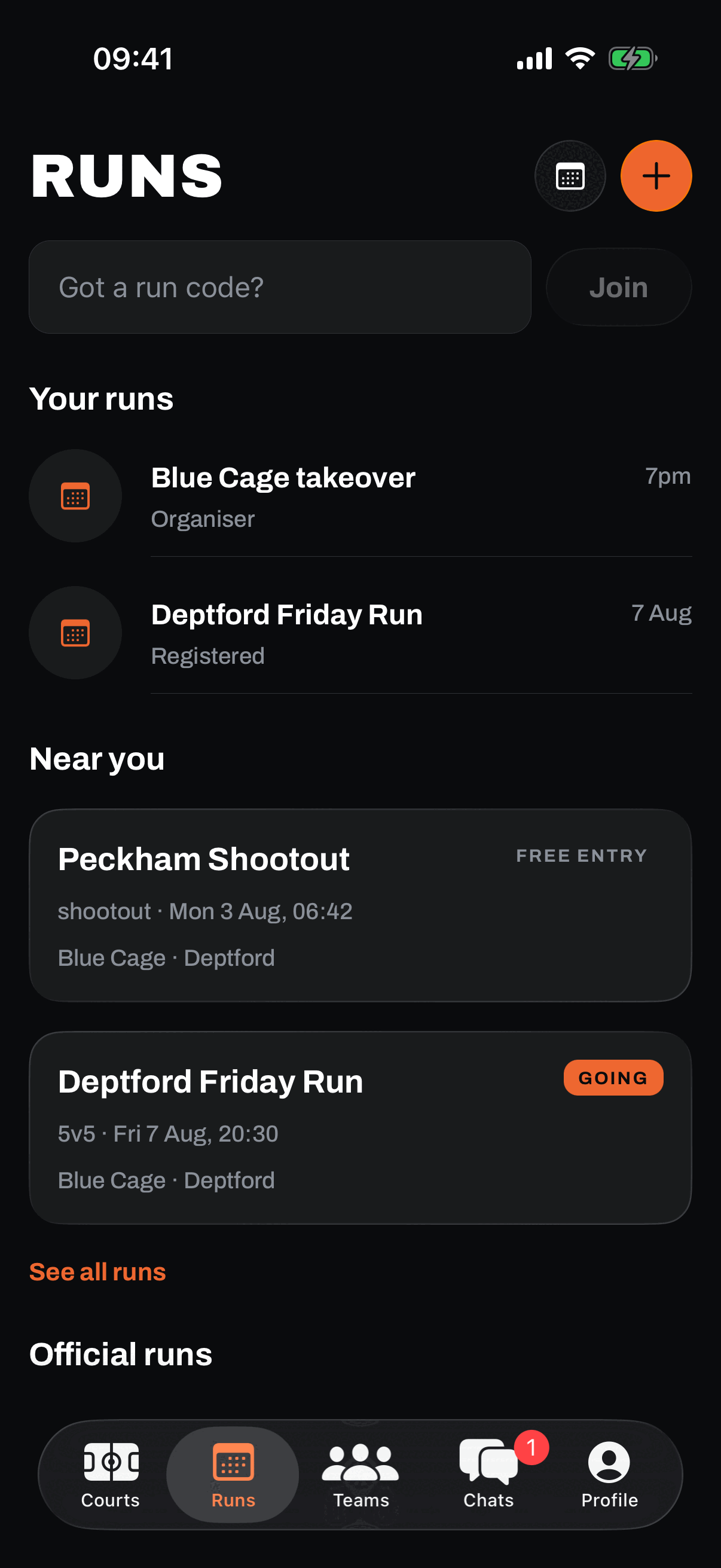
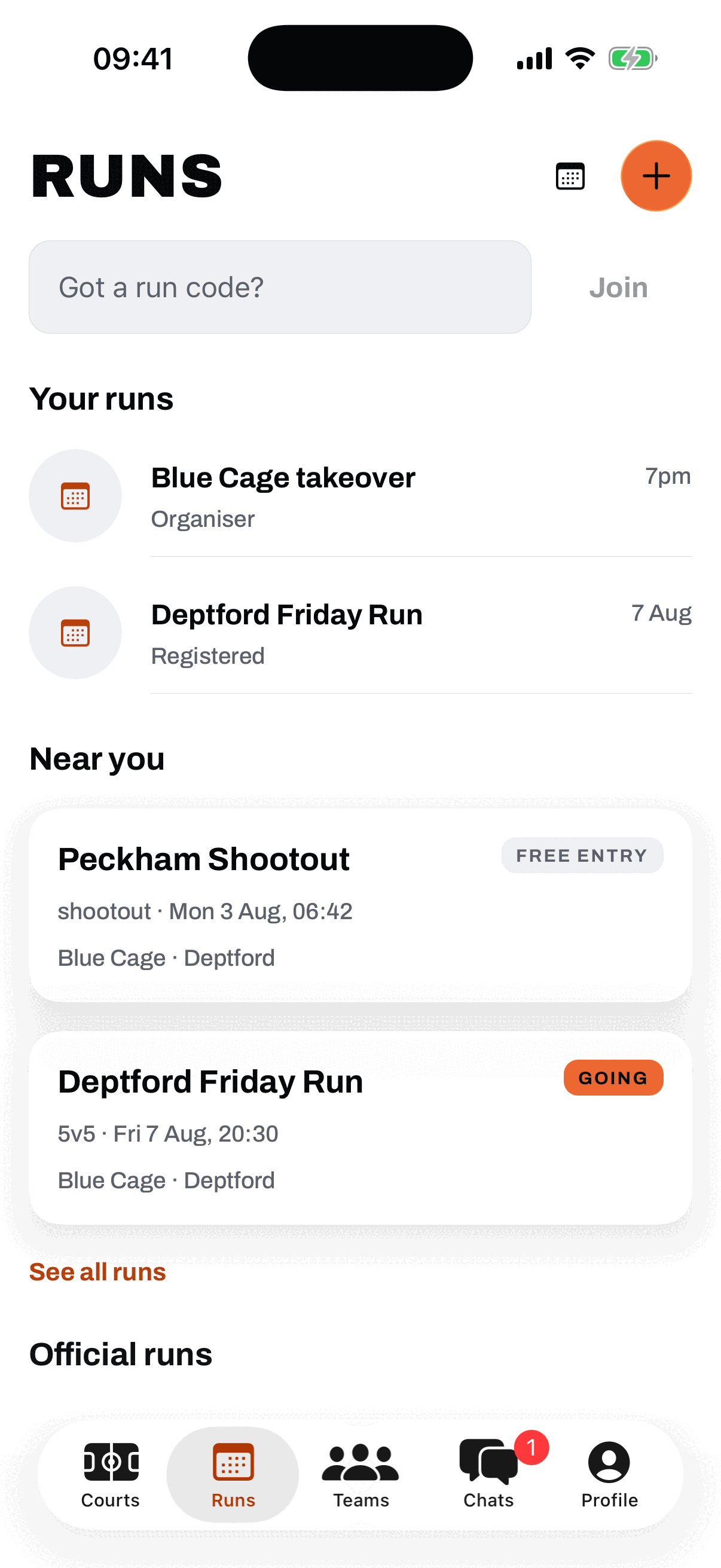
Find runs across the city
Browse what is on in the runs feed and filter by 3x3, 5v5, 1v1, or shootout. No team? Raise your hand as an open player and get slotted into a short side. Official tournaments land here too.
-
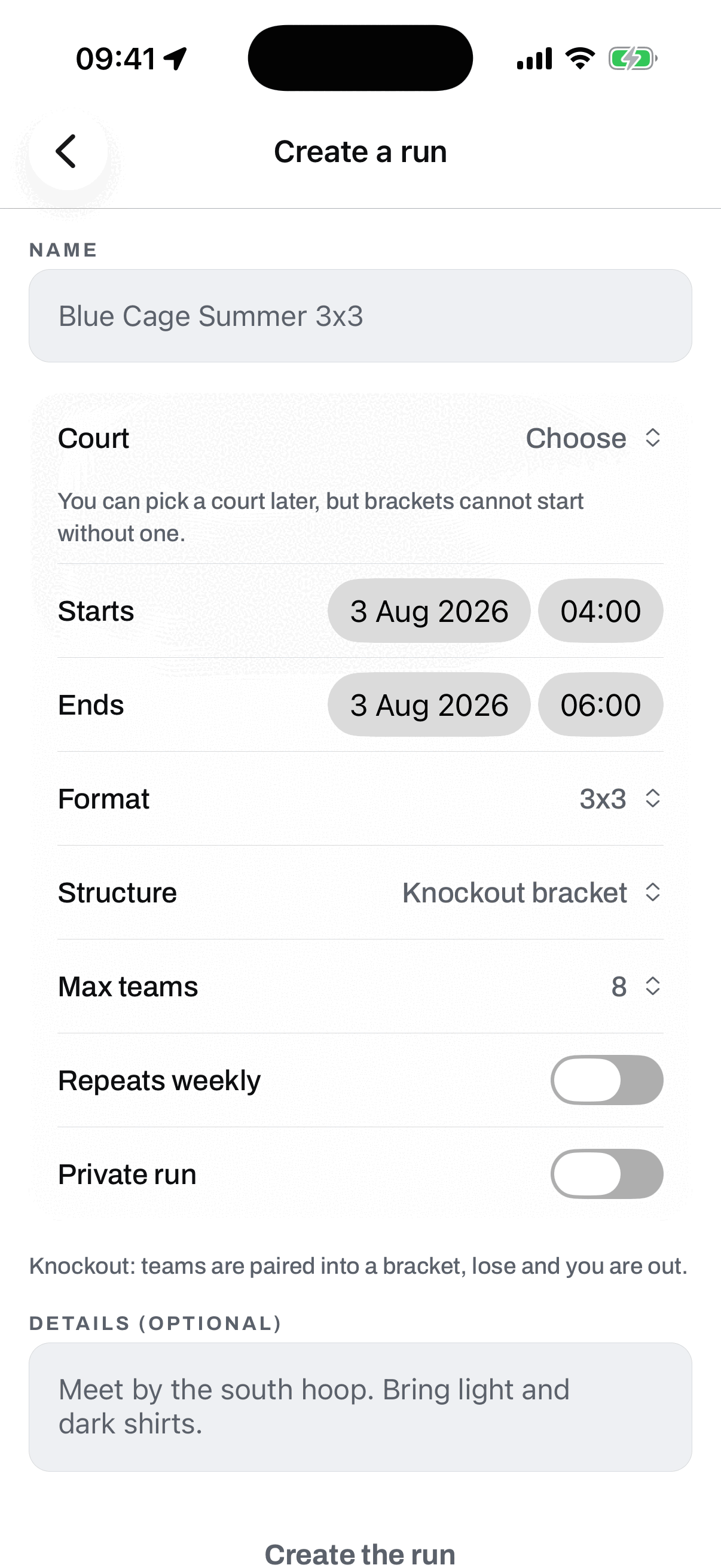
Step 7
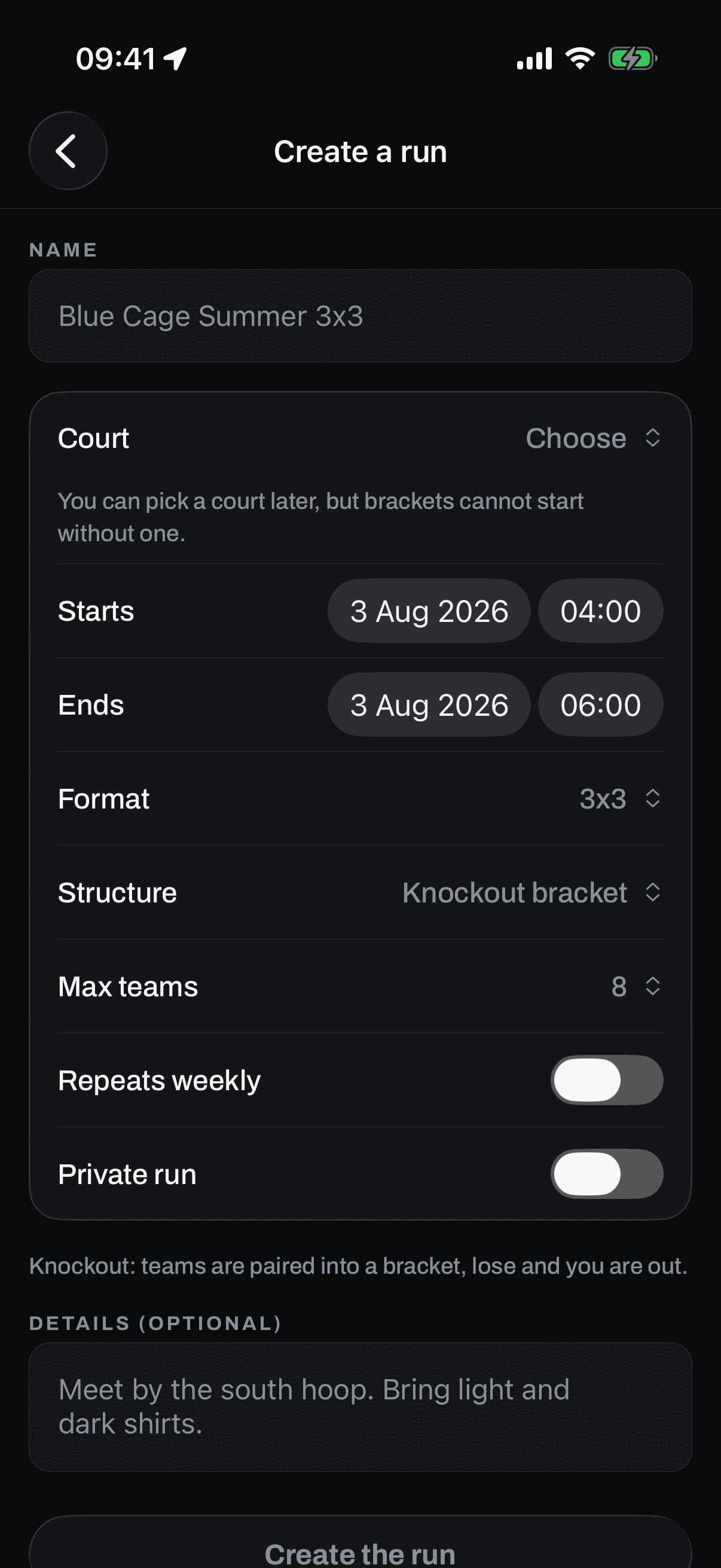
Put your own run on
Set it up: court, time, and format. Teams get a bracket, a round robin or a winner-stays gauntlet. Ones and shootouts skip all that, because hoopers just turn up. Runs on GotNext are always free to enter.
Pull up.
GotNext is live on the App Store now, free. On Android, testing is open and invites go out in batches.
Want every feature in detail? See what GotNext does.
Become a founding tester
Android testing is open now. On iPhone, GotNext is already live on the App Store.